I often get asked how much time budgeting takes, realistically speaking. The short answer is that it takes an amount of time that is totally worth it given the money it will save you and the peace of mind it will buy you.
I answered the question practically by breaking down my budgeting routine:
Back in high school, one of our teachers always said, “Even when you make a mistake, you’re still a good person.” I thought it was funny back then, but I’ve been thinking about this for years.
We got a white board at home. Oh, the joy! Jacob wanted to get it because he thought he’d need it for work. I was trying to hide my enthusiasm as he was ordering it, and I didn’t tell him I’d be taking over it, haha!
We’ve needed something like this for a long time. We do our family planning in our shared google calendar and our shared lists on To Do, but we noticed we needed some sort of visual reminder in our home about some specific home tasks.
We’re also making an effort to spend less time on our phones when we’re having family time in the evenings, so we can’t see reminders on our phones and can’t check our calendar or to do list. Once we’re finished with work and we’re home with William for the evening, our phones go in the Phone Box. We take them out if we actually need them, but then we put them right back in the box. This avoids mindless scrolling on the phone when we could in fact be connecting as a family.
This is our phone box.
This is where the white board comes in
There are two columns on the white board: ‘Tasks J’ and ‘Tasks M.’ We can each put tasks underneath each column, which gives us the ability to assign each other tasks and give each other reminders without nagging–this is key!
For instance, I am in charge of the food menu, so I know what needs to be cooked each day. We also buy lots of frozen foods (meat, fish, fruits, and vegetables) because they tend to be cheaper for the same or even more nutrients than the conventional options. The evening before we’re going to cook something, I think about what needs to be defrosted, and I put it on Jacob’s tasks. (Jacob is in charge of defrosting stuff because he’s very good with packing stuff in the freezer, and he has a special system for what goes where. Clearly, I’m not the only organization nerd in our house.)
An example of what our white board looked like this Thursday.
Why don’t I just tell Jacob what he needs to defrost, you may ask? Haha. Are you married or living with someone, I’d ask? Often when I tell him to do something, he may not want to do it, he may be in the middle of something else, or he may not even be home from work yet. It’s so much easier to put the reminder or task in an external holding space, so I don’t have to do any reminding or nagging myself.
So when Jacob is home and is ready to deal with the tasks for that evening, he checks the white board and then does them in his own time. The other most common tasks for him on the board are, ‘Empty trash’ and ‘Cook sweet potatoes’ (he’s the sweet potato master!).
Funny enough, he doesn’t write down tasks for me very often. Usually, he apps me a request for something, and I put it on my to do list or on the board. That’s just how it goes. I look forward to the day when he puts a task on my white board list though!
By the way, William also wanted to have his own column for tasks he needs to do. So I made him a column with tasks such as, ‘Play,’ ‘Tidy up,’ and ‘Clean’ (he loves cleaning with a handheld vacuum cleaner). Let’s see how long this fascination lasts.
Naturally, William also loves drawing on the white board, but yesterday he ended up drawing on the wall underneath the white board as well. Clearly, there are drawbacks to using a white board…
Okay, I’ll admit it. I’ve been doing daily planning on paper. Dan-dan-daaaaaaan!
Why so low-tech, you may ask, when I usually use digital tools? And that is a good question indeed.
The digital tools I use
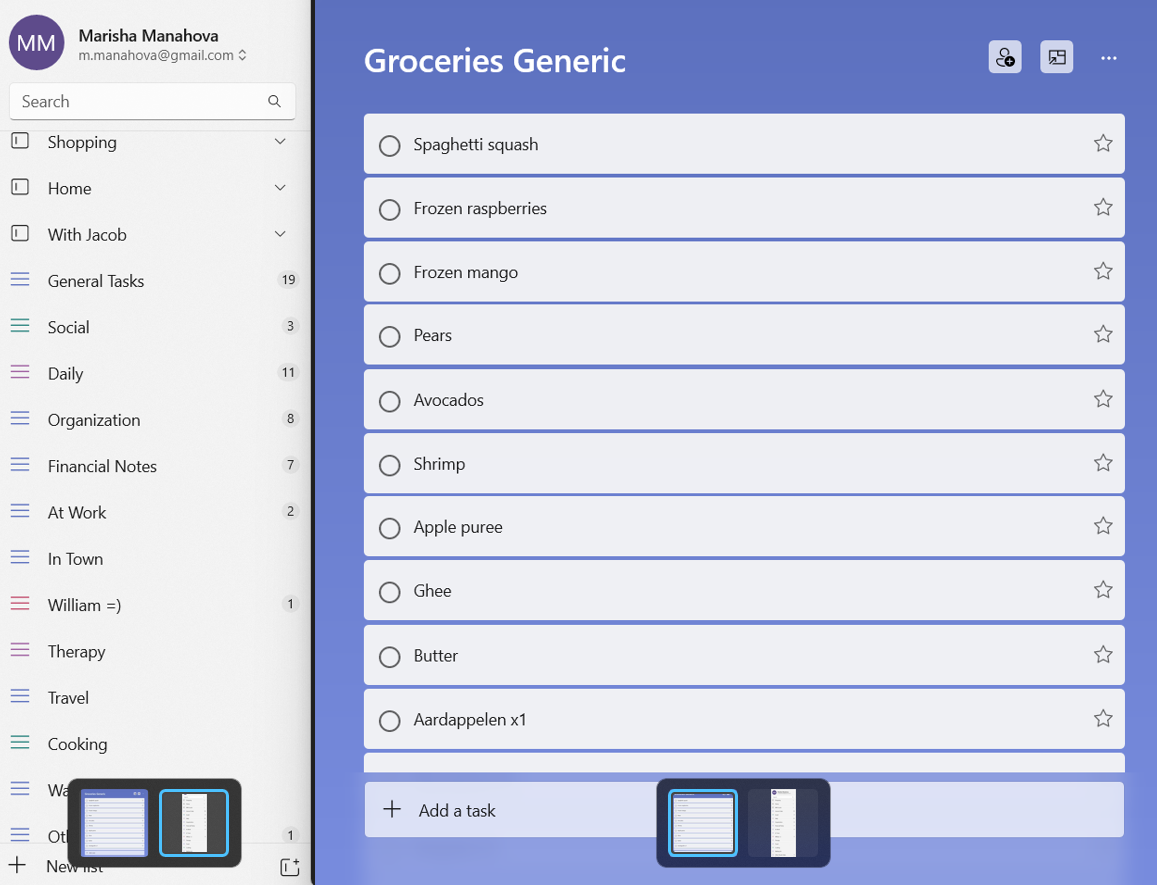
I use a digital list tool (currently Microsoft To Do) to keep track of my lists, for instance:
A screenshot of my list tool.
And I also use Trello to keep track of my workflow or of big projects such as clutter clearing and renovations:
An excerpt of my Home Trello board.
These are all super useful, and I will not stop using them. But there’s also a different use for paper planning…
Daily planning on paper
Some months ago, I felt the need to do a brain dump on paper. I’d wake up in the morning and have all kinds of thoughts swimming through my mind:
“I’m working on my website today.”
“And I need to do a load of laundry.”
“Oh, and I should start the beef in the instant pot.”
“And I need to order throat spray for William.”
“I really shouldn’t forget to…”
And on an on. Since I’ve been working at home, this has become even more of an issue because everything happens in the same space, and I can potentially do all these tasks at any time in the day. After a while of this, I knew I needed a change.
I bought pretty daily planning paper and began to write down all my tasks for the day on there.
I created a little ritual where I’d sit down after breakfast with my calendar and my to-do list and plan the day out on paper. Then, as I completed each task throughout the day, I’d check it off. It ended up being very pretty.
Why not do it digitally?
Now, you may point out that you can do this easily in any online list tool, and you’d be correct. For instance, Microsoft To Do has a nice ‘My Day’ function that I could have used.
But I had this strange need to do this on paper. I wanted to be able to walk past my desk throughout the day and glance at my list and check off items.
I’m also trying to spend less time on my phone. Every time I checked my list on my phone meant that I was holding my phone in my hand and could easily check my messages, email, etc. I’m making an active effort to do this less often, so it made sense that I’d avoid my phone when possible.
I also love planning on paper. I wish I could use a paper agenda with its beautiful pictures and fancy paper, but it is so much less convenient than an online calendar that I doubt I’ll ever go back to it, alas. But the daily planning on paper actually offers me some benefits and feels slightly decadent.
Do I do this every day?
I did do it every day at first but not anymore. Sometimes it feels repetitive, and then I don’t do it. If the day is mostly a work day, I have my work tasks on Trello, and I’m spending most of my day on the computer anyway, so I have no use for a paper version.
An excerpt of my Work Trello board for this week.
But on a day when I’m mostly doing housework and activities with William (Thursday and Sunday for me), I don’t spend much time on my phone or computer. In those cases, I use my daily planning, and it allows for a lot of flexibility. This past Sunday, for instance, it looked like this:
My daily planning last Sunday morning.
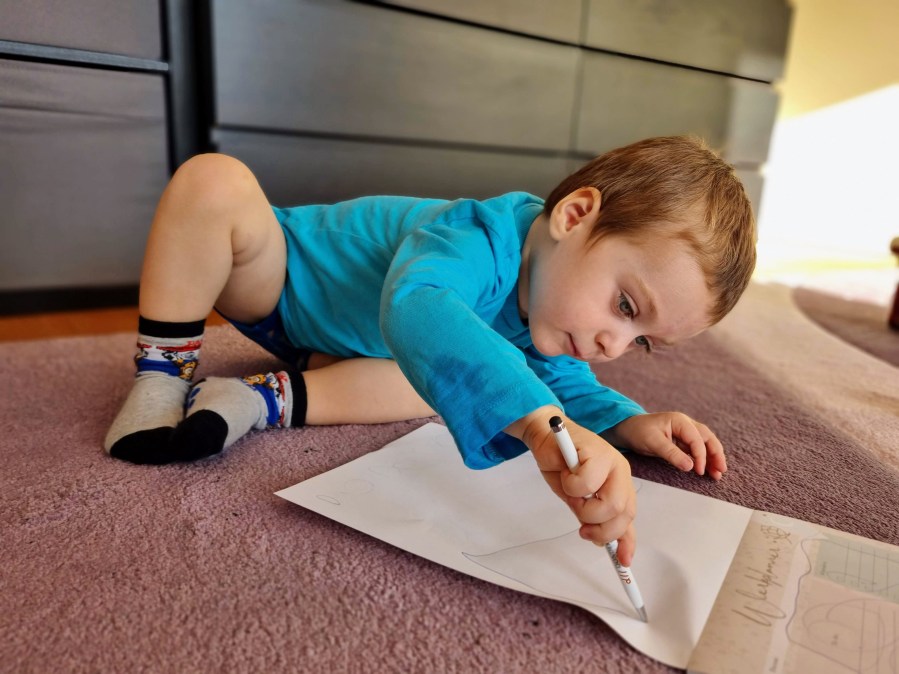
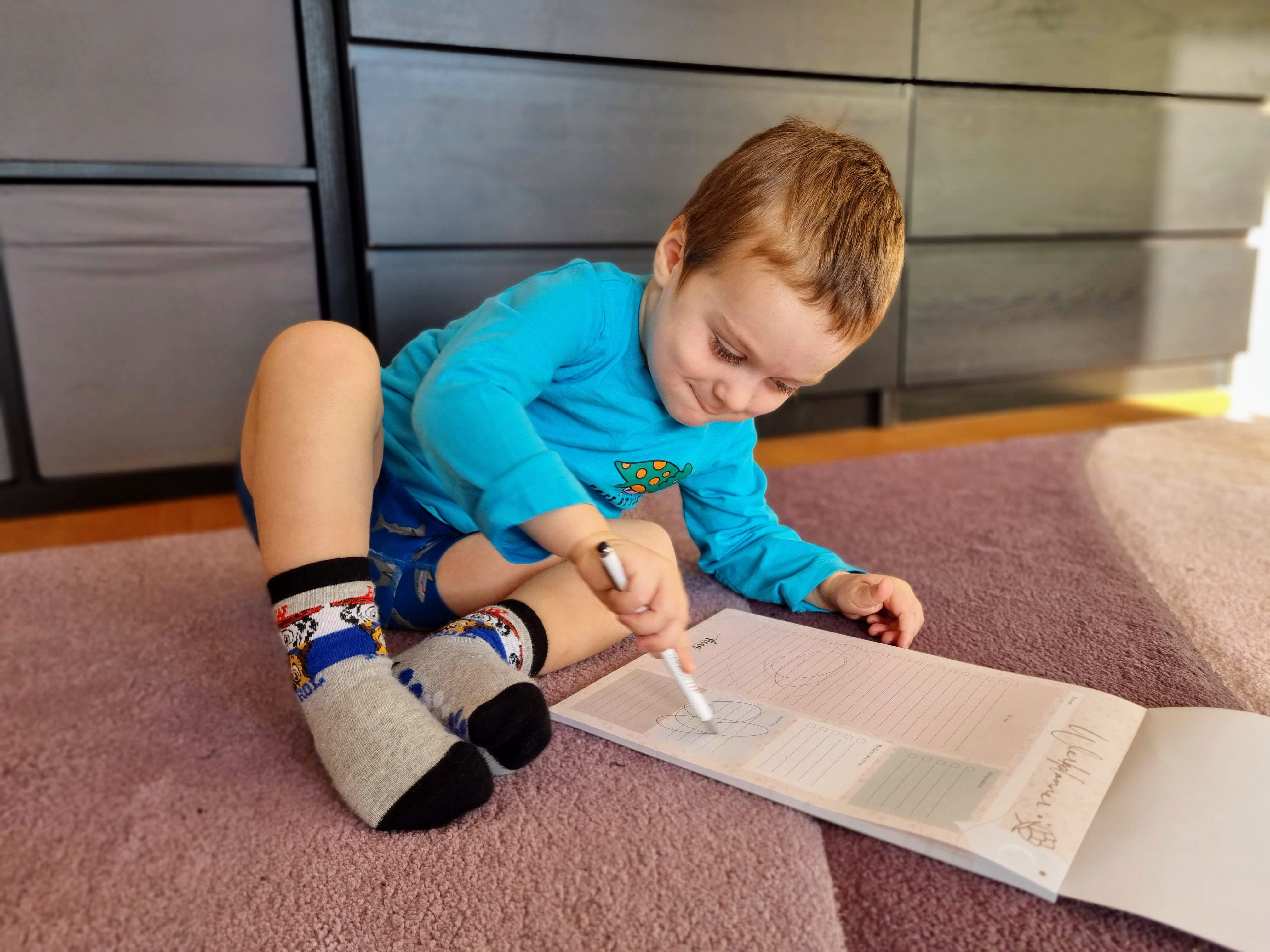
After a while, William found it, and then it had ‘drawings’ all over it. He really enjoys drawing on my fancy planning paper:
William joins the daily planning process.
Anyway, we both had fun, so it was good!
Do you prefer to plan your day using digital tools or paper?




 A Good Life